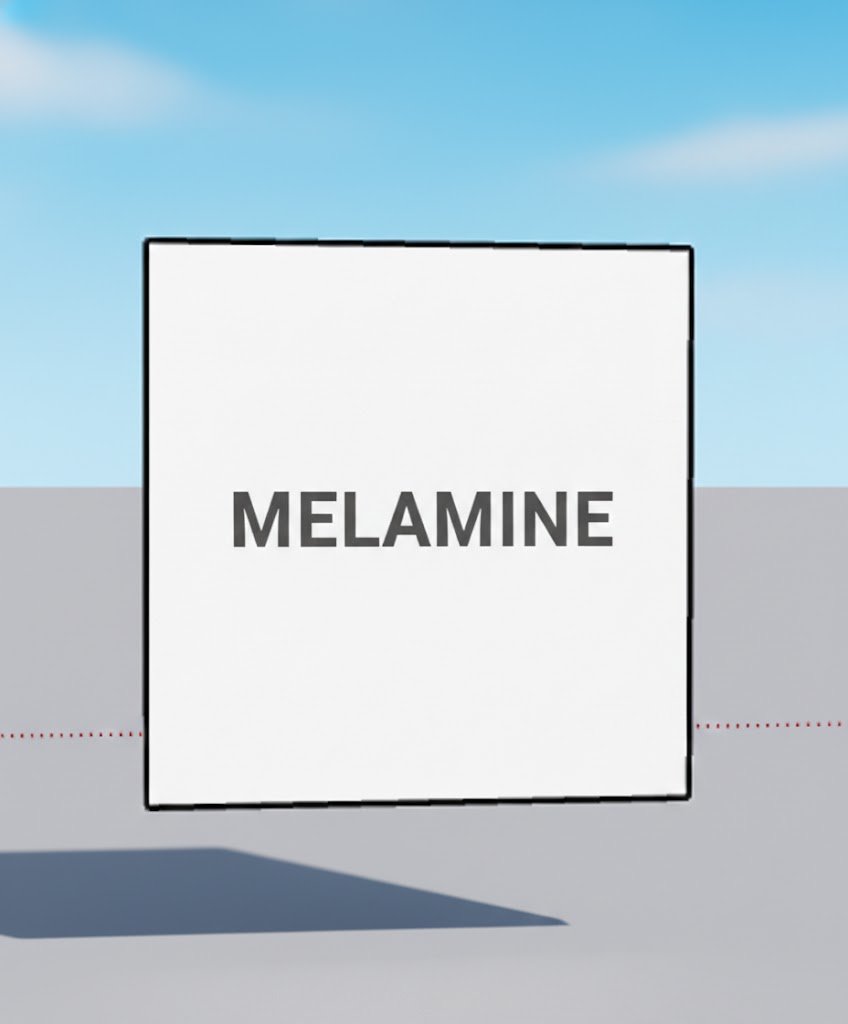
Melamine Panel
Dynamic component of a single melamine piece. It is simply an individual melamine piece where you can modify length, width and thickness directly in SketchUp using dynamic component options. It's the fundamental base for building any furniture — from shelves to desks. All our components are dynamic, meaning you can customize their dimensions without redrawing.
Download Model✨ Features
Dynamic component
Single melamine piece
Editable dimensions (length, width, thickness)
Compatible with Cutting Plan plugin
Base for any furniture project
📋 How to use this component
Download the .SKP file
Open SketchUp → File → Import
Select the downloaded file
Place the component in your model
Right-click → Dynamic Components → Options to edit
❓ Frequently Asked Questions
What are dynamic components?
They are SketchUp components with editable attributes. You can change dimensions, materials and settings directly in SketchUp without redrawing.
Which SketchUp version do I need?
The components work with SketchUp 2017 and later.
How do I import a .SKP file?
In SketchUp: File → Import → pick the downloaded .SKP. The component appears ready to place.
📦 Other components
 .SKP
Free
⚡
.SKP
Free
⚡
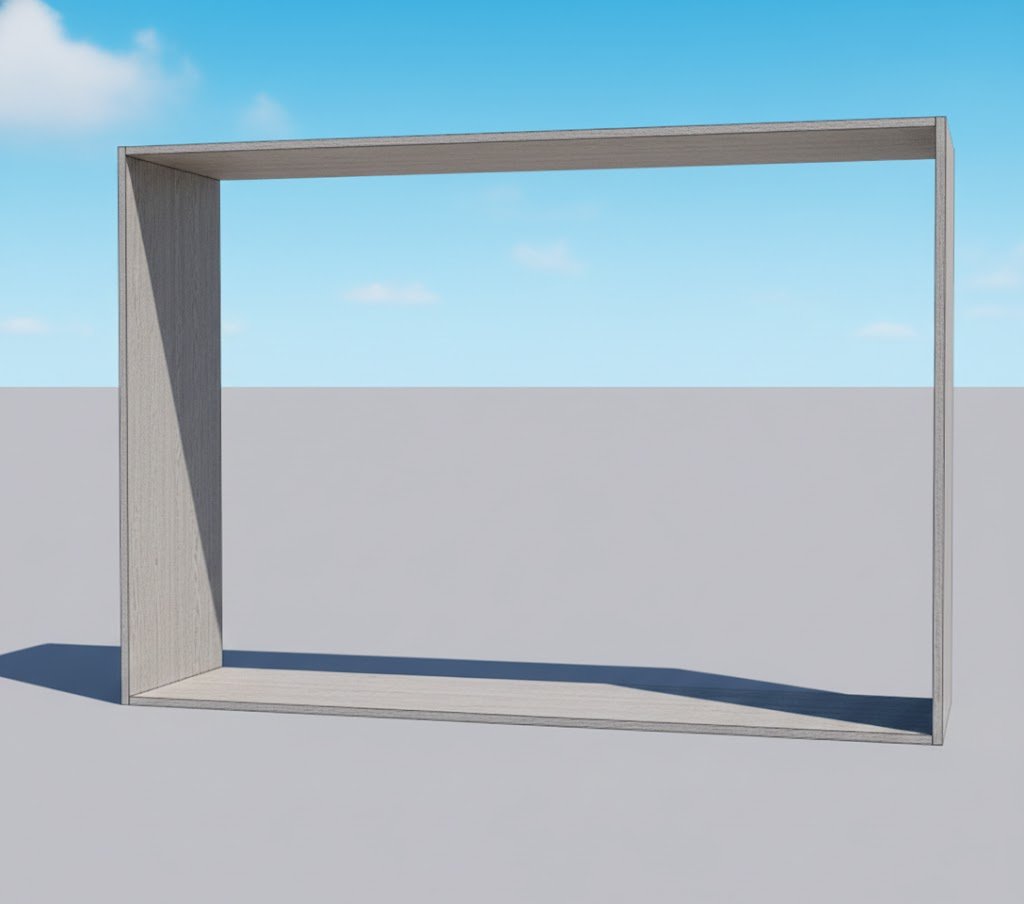
Simple Module
Four melamine pieces forming a square. Dynamic base component for shelves and modular furniture.
View component →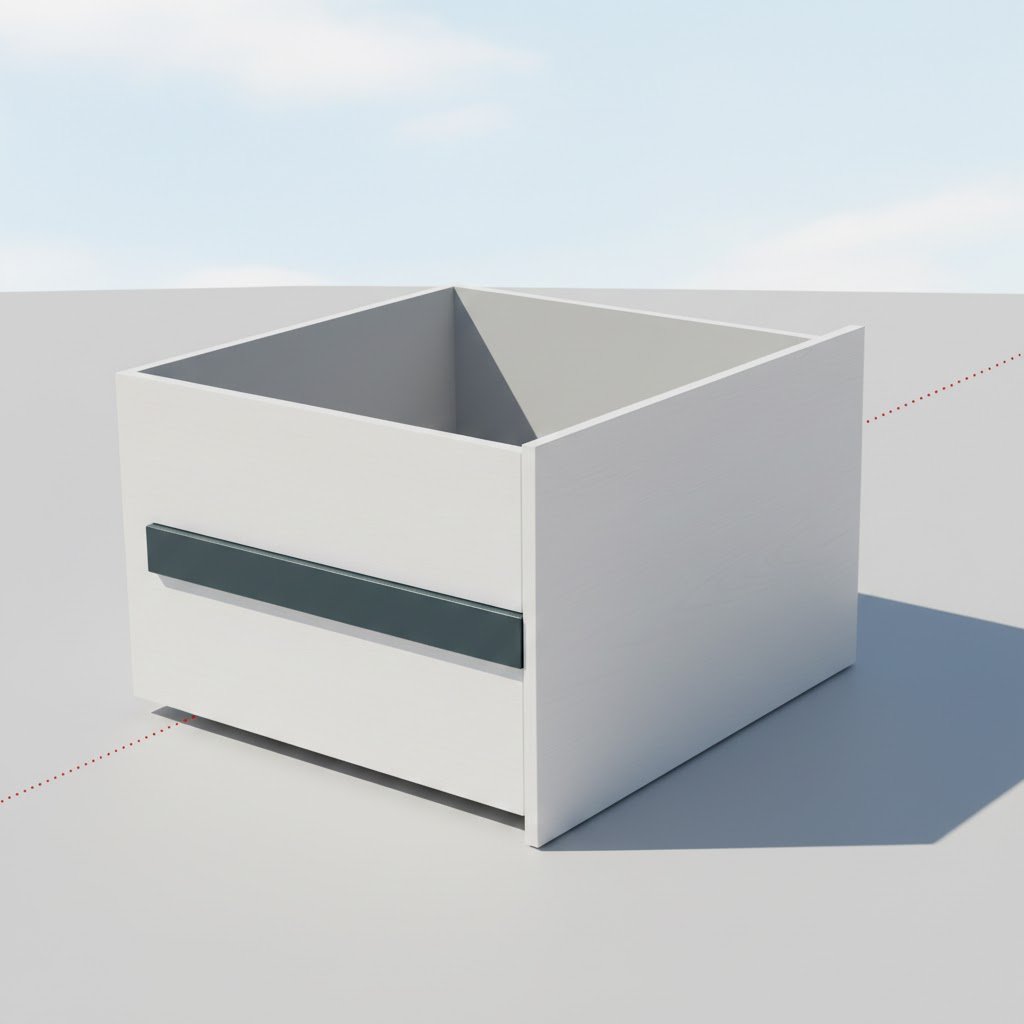 .SKP
Free
⚡
.SKP
Free
⚡
Simple Drawer
A simple drawer. Dynamic melamine component ready to integrate into your furniture designs.
View component →